

The post-activation phase refers to the period following the technical activation of an internet connection. During this phase, customers set up their connection, connect their devices, and test for the first time under real-world conditions whether their internet access, router, and Wi-Fi are functioning as expected.
For internet service providers, municipal utilities, and network operators, the post-activation phase is a distinct area of management within the customer journey. Its quality influences initial support demand, customer effort, and the first impression of the new connection.
At a glance
- The post-activation phase begins after the technical activation of a connection.
- It encompasses the setup, initial use, and stabilization of the connection.
- Its duration is not universally fixed and should be operationally defined by the provider.
- Typical issues concern routers, access credentials, end devices, Wi-Fi, and perceived performance.
- Technical network quality and home network quality must be considered separately.
- Guided self-service can assist customers with setup and diagnostics.
- Relevant KPIs include time-to-first-success, contact rate, repeat contact rate, and customer effort score.
- The phase ends when the connection is being used stably or transitions into regular service operations.
What does the post-activation phase mean?
The post-activation phase is an operational and service phase following the activation of a connection. It bridges the gap between the completed provisioning process and the regular use of the internet connection.
The term is not used consistently throughout the telecommunications industry. For operational management, a clear internal company definition is therefore recommended. An internet provider might, for example, limit the phase to the first seven or 14 days after activation. Alternatively, it may end with a defined event, such as successful router setup or confirmed initial usage.
The post-activation phase may include the following processes:
- Setting up a router or gateway
- Entering access credentials
- Connecting devices to the home network
- Testing the internet connection and telephony
- Evaluating Wi-Fi coverage and performance
- Troubleshooting technical issues
- Using guides or self-service tools
- Contacting support
- Confirming successful setup
How does the post-activation phase differ from "Homes Activated"?
"Homes Activated" is a market-related metric, whereas the post-activation phase describes a stage in the customer journey following activation.
This distinction is important: a connection may be statistically counted as activated even though customers still require support with setup, Wi-Fi, or initial usage.
The 2026 Telecommunications Market Analysis by VATM and DIALOG CONSULT estimates that by the end of 2026, there will be approximately 32 million fiber-ready units, 12.5 million connected units, and 7.8 million actively used fiber connections. These figures illustrate the differences between network expansion, physical connection, and actual usage.
Why is the post-activation phase relevant for internet service providers?
Activation marks the beginning of the actual user experience. At this moment, customers evaluate whether the switch to the new connection works, how easy the setup is to understand, and how quickly they can get help if a problem arises.
For internet service providers, this creates three relevant perspectives.
Customer Experience
The first steps of usage shape the impression of both the connection and the provider. Unclear instructions, conflicting status information, or missing access credentials increase the effort required. Clear guidance makes getting started easier and reduces uncertainty.
The article Internet connection activated: Why the first few days determine support volume and customer loyalty provides a more detailed classification of this impact within the customer journey.
Service Effort
Problems occurring after activation must first be categorized. The cause could lie in the access network, router configuration, home network, or a specific end device. Without structured diagnostics, this leads to follow-up questions and unnecessary escalations.
A clear post-activation journey helps customer service identify recurring issues, define responsibilities, and utilize information from self-service for further processing.
Profitability
Active connections form the basis for monetizing network infrastructure. In their study, PwC describes "Fiber Optics in Germany – A Market Under Monetization Pressure", that Homes Activated are increasingly becoming a key performance indicator.
The post-activation phase begins after this activation. While it does not determine whether a contract is signed, it does influence how smoothly and with what level of service effort the active connection transitions into regular use.
What problems frequently occur after activation?
Typical issues can be categorized into four areas.
Provisioning and status
- The connection is shown as active, but is not yet usable for customers.
- The activation time and actual availability do not align.
- The status is inconsistent across the website, app, email, and support channels.
- Customers do not know if they can already begin the setup process.
Router and access
- The router or fiber optic modem is connected incorrectly.
- Access credentials are missing or entered incorrectly.
- Automatic configuration fails to complete.
- Telephony or individual services are not yet set up.
Home network and Wi-Fi
- Devices are not connecting to the Wi-Fi.
- The measured speed on the device is lower than expected.
- Distance, building structure, or radio interference are affecting the Wi-Fi.
- A home network issue is perceived as an internet connection fault.
Service and communication
- Information is scattered across multiple channels.
- General FAQs do not address the specific situation.
- Steps already taken are asked about again during personal support interactions.
- Responsibilities between provisioning, technical support, and customer service are unclear.
How can the post-activation phase be structured?
A robust post-activation journey requires a defined starting point, clear processes, and measurable completion criteria.
1. Define the start and end
The start can be triggered by the technical activation in the provisioning system. A fixed time frame or a specific event is suitable as an end point, for example:
- successful router configuration
- confirmed internet connection
- completed functional test
- stable usage over a defined period
- Handover to regular service operations
2. Provide information based on the situation
Customers should be informed according to their current status about:
- whether the connection is already active,
- which hardware is required,
- what the next steps are,
- where to find access credentials,
- how to test the connection,
- which contact channel to use in case of an error.
3. Provide setup and diagnostics
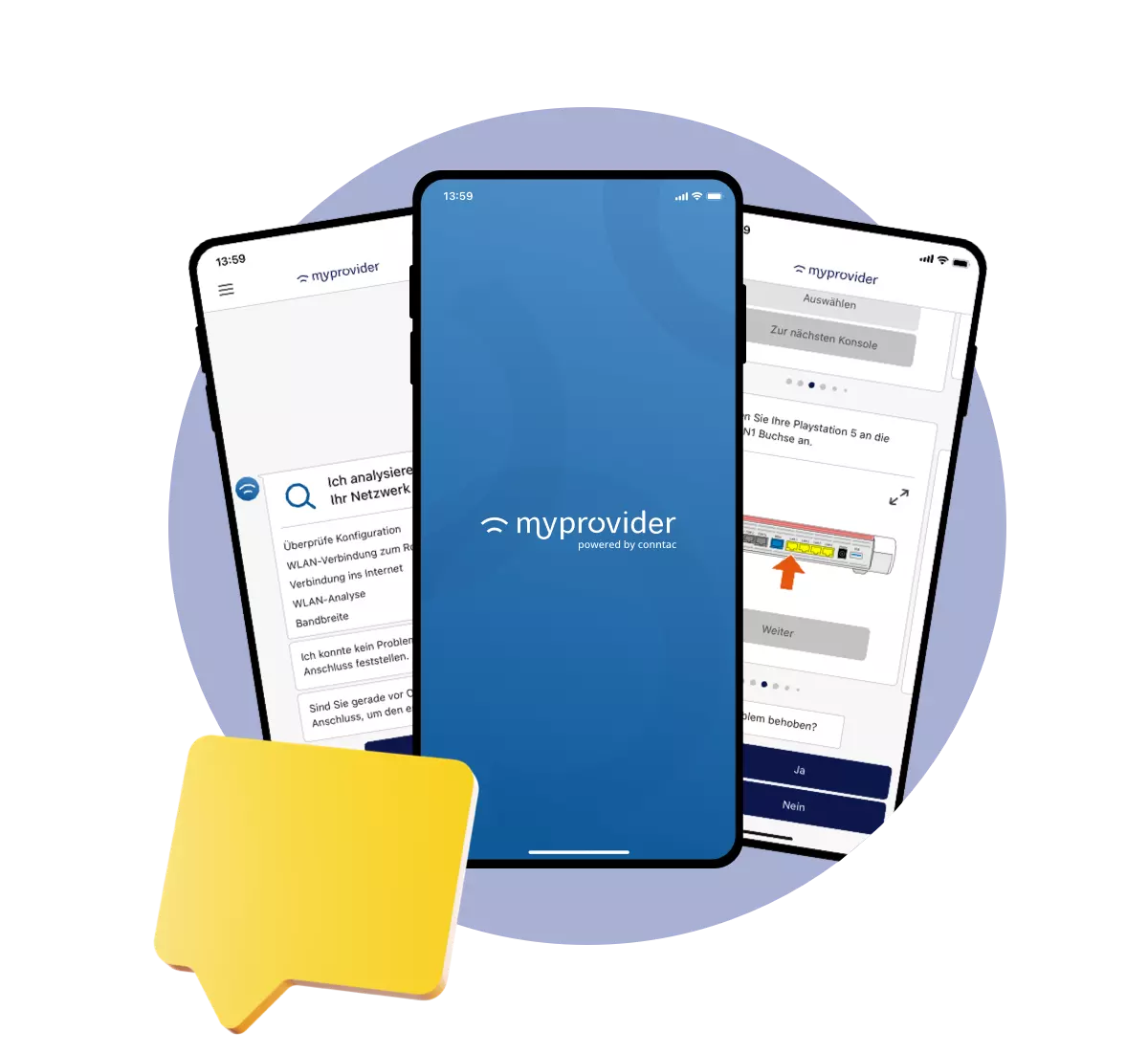
Guided self-service guides customers step-by-step through the setup process and adapts the next steps based on their input or test results.
Suitable features include:
- guided router setup
- automatic connection testing
- detection of router and connection status
- Wi-Fi analysis
- clear error descriptions
- concrete recommendations for action
- documented handover to support
4. Check the network and home network separately
A complete diagnosis should distinguish between the access network, the router, and the Wi-Fi. This makes it possible to determine whether the cause lies with the connection or within the household.
For technical service assurance, the Broadband Forum describes standardized measurement options for the active broadband network. These include latency, jitter, and packet loss, as well as on-demand and continuous measurements. The requirements are TR-390.2a1 documented in.
5. Provide context to customer service
If self-service cannot resolve the issue, personal support should receive at least the following information:
- Connection and activation status
- Router or device data
- Results of automated checks
- Steps already taken
- Identified errors
- Time and history of the process
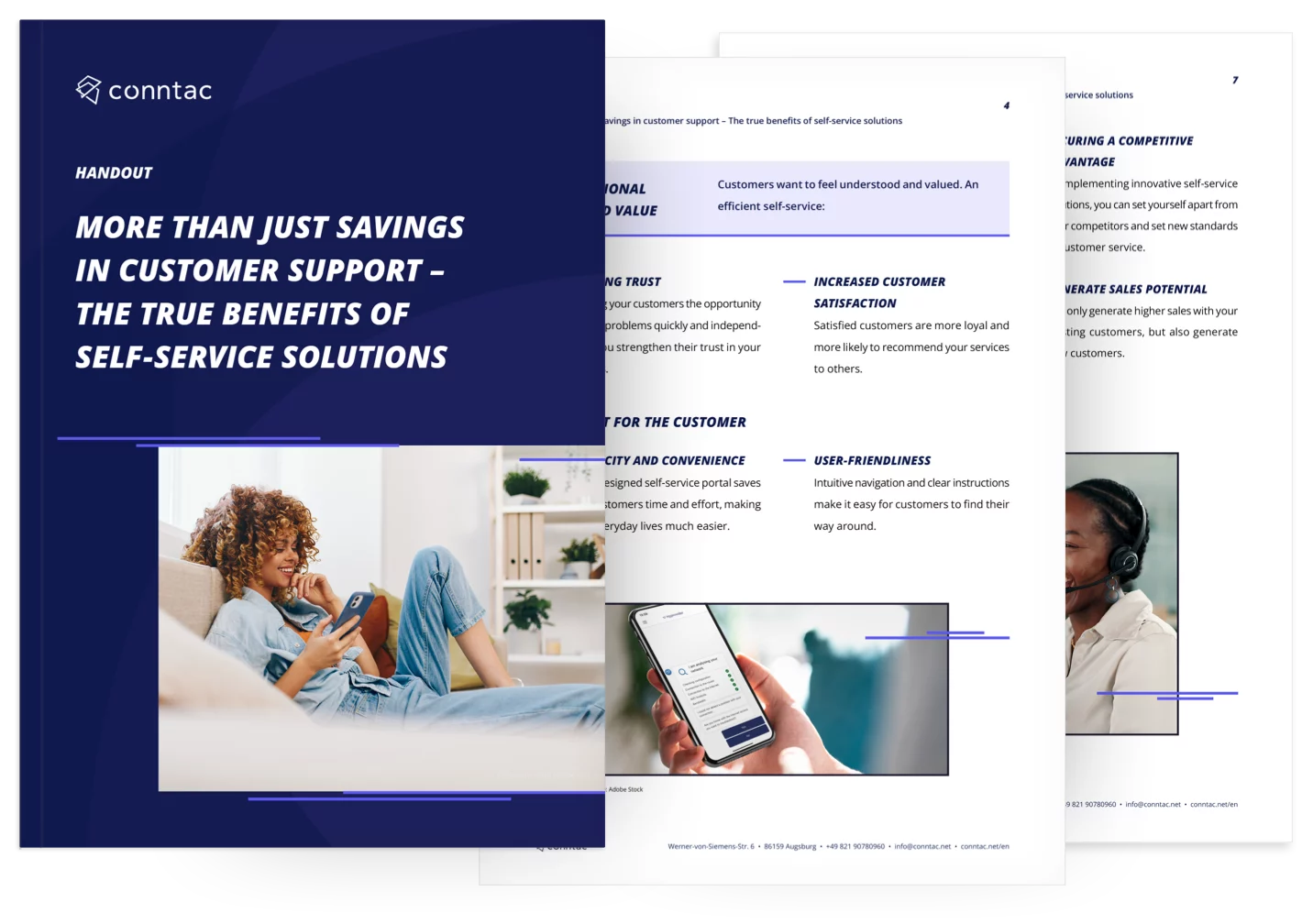
The article Combining self-service and customer service explains the requirements for this handover in more detail.
Which KPIs are suitable for the post-activation phase?
Key performance indicators should always be evaluated within a defined time frame. This is the only way to make time periods, tariffs, and customer groups comparable.
In addition, technical metrics such as availability, throughput, latency, jitter, and packet loss can be monitored. These values answer different questions than service KPIs and should therefore be evaluated separately.
Frequently asked questions about the post-activation phase
When does the post-activation phase begin?
The post-activation phase begins with the technical activation of the internet connection. The exact trigger should be clearly defined in the provisioning or CRM system.
How long does the post-activation phase last?
There is no universally binding duration. Depending on the process, it can cover the first few hours, seven days, 14 days, or the period until stable usage is confirmed.
Is router setup part of the post-activation phase?
Yes, provided the router is set up after the technical activation. This includes connecting the hardware, configuration, and connecting end devices.
Is the post-activation phase only relevant for fiber optics?
No. It can also be applied to DSL, cable, mobile, or VoIP services. For fiber optics, it is becoming particularly important due to the increasing number of new connections and migrations.
What role does self-service play after activation?
Self-service provides information, diagnostics, and troubleshooting steps directly. Guided processes are particularly effective because they lead customers through the setup based on their connection status and the identified issue.
When is the post-activation phase complete?
The phase is considered complete once the defined completion criteria have been met. This could be the first successful use, a passed functional test, or the end of a specified observation period.
Conclusion
The post-activation phase bridges the gap between technical activation and the stable use of an internet connection. It encompasses setup, initial functional testing, technical orientation, and, if necessary, troubleshooting.
Internet service providers should clearly define the scope of this phase, assign clear responsibilities, and measure it using both technical and service-related KPIs. Guided self-service can help customers set up their connection, narrow down issues, and provide relevant information to personal support staff. MyProvider digitally maps these setup, diagnostic, and handover processes.




.svg)
