UX customer service invisible trust
Blog

Why good UX is invisible and how it creates trust

09.12.2025

Why we often hate technology – and how UX can change that

We all know them: ticket machines that only accept coins. Login forms that delete all fields in case of an error. Or chatbots that just say, “I didn't understand you.” Technology can be so frustrating that it makes people suspicious.

The problem is rarely the technology itself, but its operation. That's where UX comes in: User Experience decides whether we trust a system or avoid it.

UX ≠ UI: Why it's not about beauty

User experience (UX) is often confused with “design.” It's not about what something looks like, but what it looks like feels, something to use.

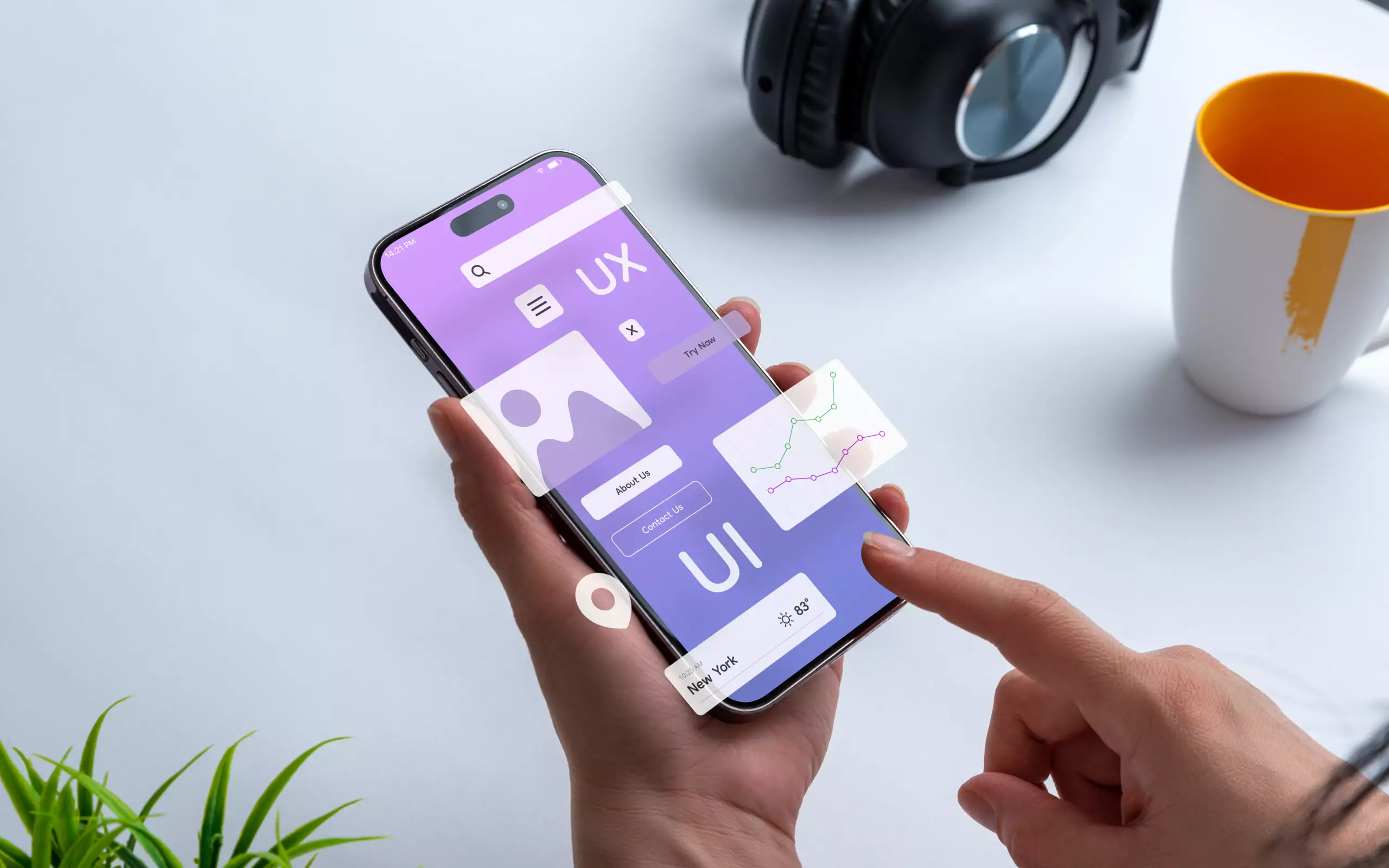
The user interface (UI) is the interface. UX is the experience behind it. An elegant button is useless if the process behind it is incomprehensible. Good UX means: Technology fades into the background and everything simply works.

Why our brain loves good UX

UX is psychology. People react to mental models – i.e. expectations of how something should “logically” run. When an app meets these expectations, it creates a sense of control and security.

Design laws help to recognize order: Similar elements are perceived as belonging together, and clear contrasts guide the eye. Auch color effect Play with emotions – blue creates trust, red warns.

Good UX uses these mechanisms to reduce complexity. It guides users so that they can make decisions effortlessly.

Human-centered design: technology from the user's perspective

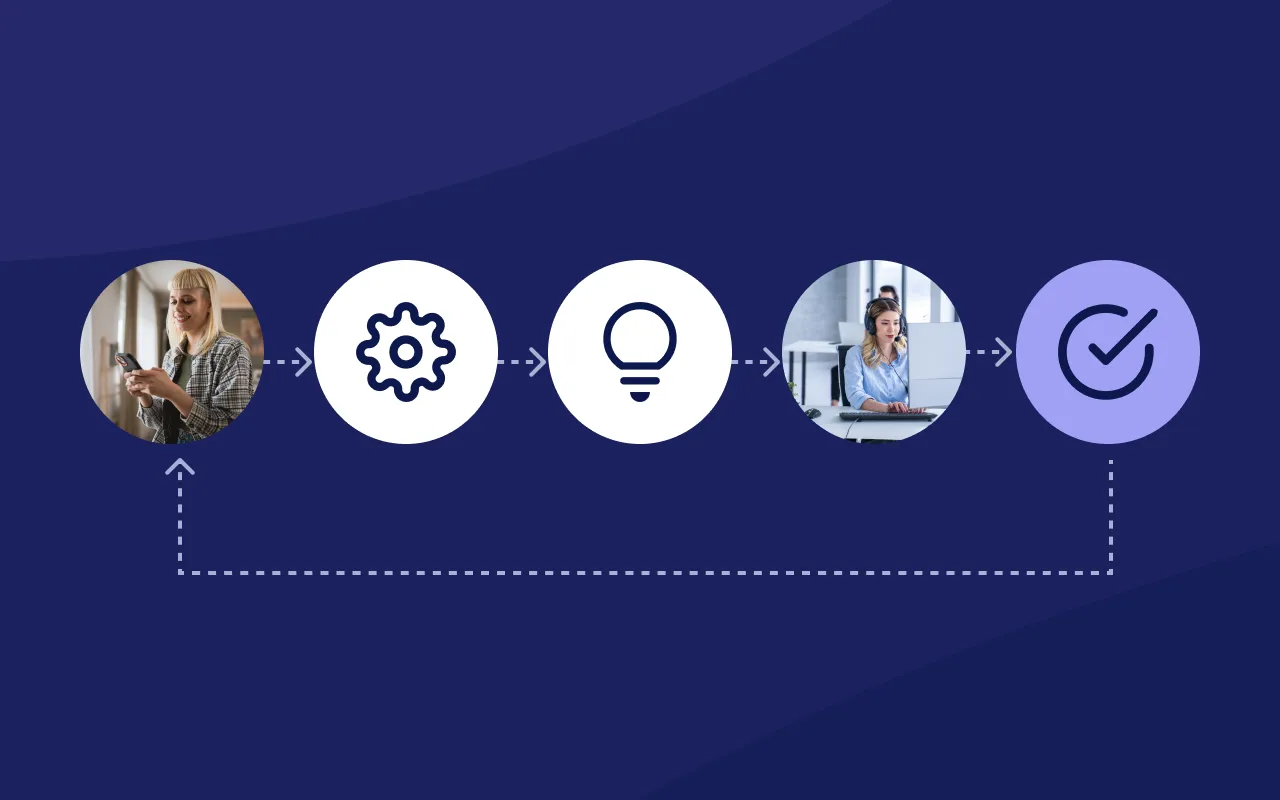
UX development is not a guessing game, but an iterative process. In Human-centered Design, products are tested together with real users – over and over again. Each iteration shows: Where is the process stalling? Which functions are misunderstood? These feedback loops create trust because they break down barriers.

The best applications aren't the ones with the most features, but the ones where no one has to think about features.

Making UX measurable: The key figures behind the feeling

Even though UX has an emotional effect, it can be measured. Three key figures are particularly informative:

  • Efficiency: How many steps does it take to achieve a goal?
  • Fault tolerance: How well does the system forgive incorrect entries or cancellations?
  • Satisfaction: How do users rate the overall experience?

Self-service solutions demonstrate that when people can resolve their internet issues themselves, without frustration or waiting times, trust in both the product and the provider increases significantly.

10 principles for good UX in customer service

  1. Clarity before creativity – understandable language beats playful phrases.
  2. Consistency – the same actions always lead to the same results.
  3. Feedback – every system should provide immediate feedback.
  4. Error-friendliness – People can be wrong, systems must react.
  5. Status visibility – Users need to know what's happening right now.
  6. Reduction – less choice often means better decisions.
  7. Accessibility – Self-service should be barrier-free and intuitive to use.
  8. Empathy – Tonality and language shape the feeling of appreciation.
  9. Trust through transparency – Clearly communicate data protection and processes.
  10. Iterative learning – UX is never finished. Every use provides feedback.

Conclusion: UX is the infrastructure of digital reliability

Good UX is invisible – until it's missing. It creates trust because it removes hurdles and enables people to use technology instead of feeling overwhelmed by it. Especially in customer service, UX is not a nice-to-have, but a basic requirement for digital proximity.

Anyone who offers self-service solutions should see UX as a strategic competence: It determines whether customers feel understood.

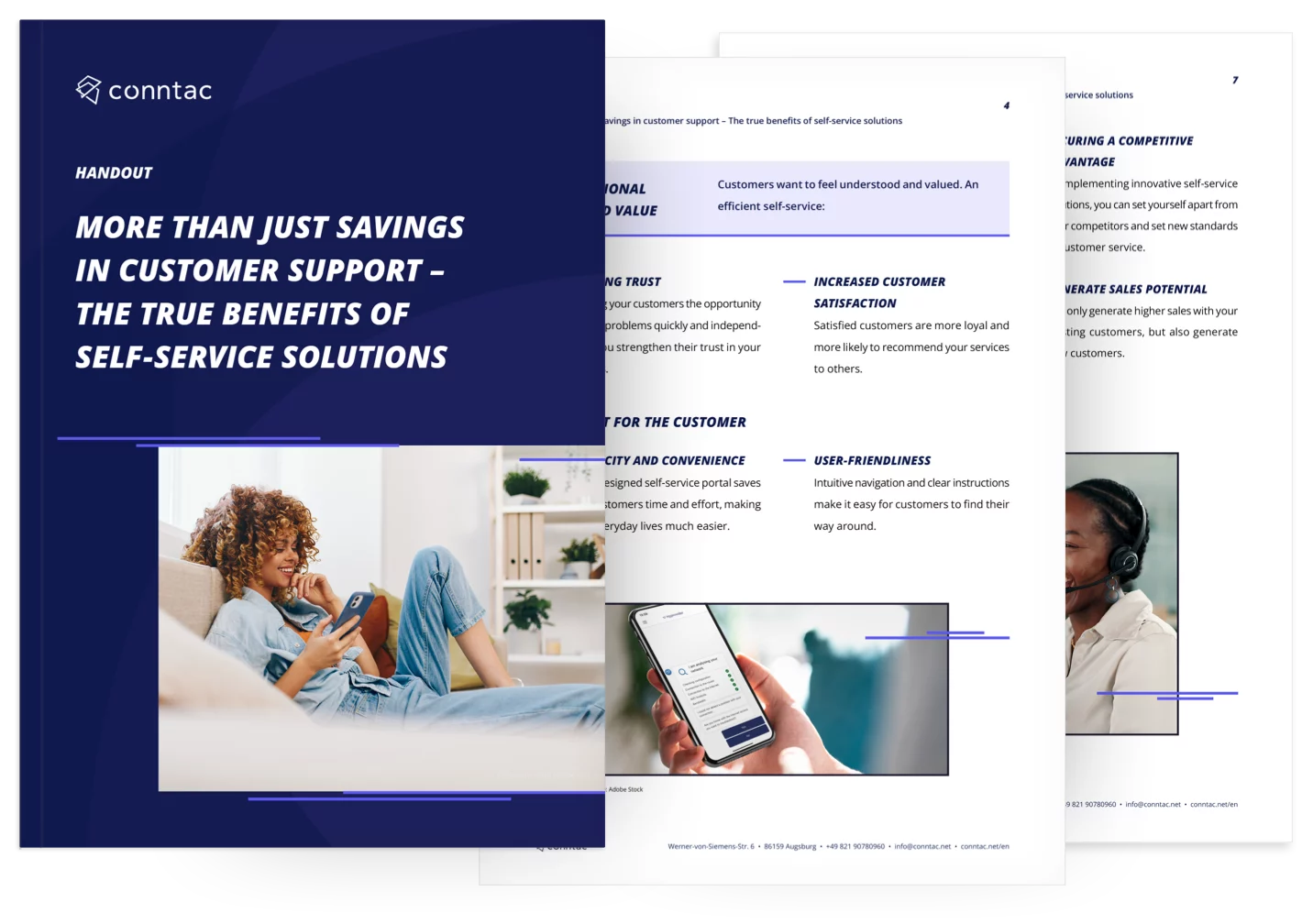
Download the free white paper related to the topic Understanding UX – with practical guidelines and checklists for intuitive design and satisfied users.

Frequently asked questions about UX in self-service

What is UX and how does it differ from UI?

UX describes the overall experience of using a product or service, from the first interaction to task completion. UI refers to the visible interface. UX goes beyond visual design and includes expectations, emotions, and process flow.

Which metrics help measure UX?

Key UX metrics include efficiency (how many steps are required to reach a goal), error tolerance (how well the system handles mistakes), and satisfaction (for example measured via CES or CSAT). They show how smooth and effort-light a process feels.

What does human-centered design mean in practice?

Human-centered design puts real users at the core of product development. Iterative testing, prototyping, and feedback loops help reduce barriers until usage becomes intuitive and low-stress.

Which principles lead to good UX in customer service?

Good UX is built on clarity, consistency, immediate feedback, error tolerance, accessible design, and transparent communication. When people understand what is happening and why, trust grows.

Why is good UX so important for self-service offerings?

Self-service only works when users can complete tasks independently and without frustration. Good UX reduces effort, prevents support calls, and strengthens trust in the brand and the product.

Photo of Johanna Kugler
Johanna Kugler

Content Marketing Manager

Other ARticles

UX designers and the elements of an outstanding user experience
03.11.2024

The elements of an outstanding user experience

In the digital age, an outstanding user experience (UX) is the key to standing out from the competition and winning long-term satisfied customers. Especially in the B2B SaaS sector, intuitive solutions are required that make complex processes simple and user-friendly.

Zum Blogbeitrag
Woman is setting up her internet connection at home
19.12.2024

Optimizing the customer experience for Internet service providers

In the digital world, customers expect quick and easy solutions — without long waiting times. Internet providers are faced with the challenge of providing efficient customer service, reducing costs and increasing sales at the same time.

Zum Blogbeitrag
Man standing in front of a large, transparent digital display with diagrams and graphics
30.04.2024

Automated processes: The key to a stress-free customer experience

The introduction of automated processes has proven to be a decisive factor for companies that want to offer a stress-free customer experience.

Zum Blogbeitrag
A mobile phone in one hand
04.05.2023

Are service apps sustainable?

Service apps don’t save the world – sure – but they give companies the opportunity to support their customers faster and more efficiently. But are service apps sustainable? Can this technology help reduce the environmental impact of businesses?

Zum Blogbeitrag
An agent sits in the customer service centre with her hands in front of her face
11.04.2023

Monday Peak in Customer Service

Mondays are an unpopular day for many people. The weekend is over, the working week begins and the alarm clock rings far too early. However, Mondays can become a challenge not only for employees, but also for companies – especially in customer service.

Zum Blogbeitrag
Why simplicity is becoming the strongest growth driver in service
15.12.2025
Neu

Why simplicity is becoming the strongest growth driver in service

Customer expectations are changing: Enthusiasm remains beautiful, but simplicity is key. It saves energy, creates satisfaction and promotes loyalty.

Zum Blogbeitrag

Become a Conntac Insider

Subscribe to our LinkedIn newsletter The Conntac Chronicles to receive relevant insights and perspectives on current topics and challenges in the field of modern service solutions.

A woman high fiving another person